A social media campaign is a coordinated set of activities designed to achieve one defined outcome within a defined period. It is different from always-on posting. A campaign has a start and end, a chosen audience, an offer or message, approved creative, a conversion path, a budget or resource plan, tracking and a review.
For a hotel, the campaign might support a stay package, restaurant event, meeting offer, spa experience, recruitment drive or destination period. The work should connect marketing to revenue, reservations and operations so the promise can be delivered.
This guide gives beginners and hotel teams a controlled process for planning, launching and reviewing a first campaign without relying on vanity metrics or last-minute improvisation.
Before you start: campaign or regular content?
Use a campaign when:
- there is a specific business need;
- the audience and action can be defined;
- the offer or story has a time window;
- several pieces of content need to work together;
- paid support or a partner may be used;
- tracking and review are possible.
Use regular content when the purpose is ongoing education, destination usefulness, brand storytelling, community service or evergreen product explanation.
Not every post needs to become a campaign. Too many campaigns create audience fatigue and operational pressure.
Step 1: Define one business outcome
Start with the result—not the content format.
Weak objective:
Promote our weekend offer on social media.
Stronger objective:
Generate qualified visits and trackable booking starts for the family weekend package among residents within the drive market during the six-week booking window.
Write:
- business need;
- target audience;
- desired action;
- campaign period;
- success measure;
- owner.
If the campaign has several objectives, choose one primary objective and label the others as supporting outcomes.
Step 2: Confirm the offer and operational readiness
Before creative work begins, verify the product.
For a hotel stay:
- eligible dates;
- room types;
- occupancy;
- total price presentation;
- taxes and fees;
- inclusions;
- blackout dates;
- cancellation;
- availability control;
- booking route;
- contact owner.
For a restaurant event:
- date and time;
- menu;
- dietary and allergen process;
- adult and child pricing;
- seating capacity;
- deposit or cancellation;
- entertainment or activity details;
- parking;
- reservation route.
For recruitment:
- approved vacancy;
- job location;
- application deadline;
- official application link;
- eligibility;
- privacy notice;
- hiring contact.
The operational team should confirm that staffing, stock, systems and guest communication are ready. Do not create demand for an experience the hotel cannot deliver.
Step 3: Define the audience using evidence
A practical audience brief should include:
- situation or need;
- location or travel context;
- relevant behaviour;
- booking window;
- language;
- objections;
- decision factors;
- channels used;
- privacy and exclusion controls.
Example:
Families living within a three-hour drive who are considering a short school-break stay, need clear child-friendly information and compare total package value before booking.
Avoid building the audience from stereotypes. Use current reservations, enquiries, website behaviour, sales insight, past campaign learning and market research. Google Analytics audiences can group users who share attributes, but the hotel should combine digital evidence with operational and commercial judgement.
Step 4: Choose the conversion path
Decide where the guest should go.
Possible destinations:
- booking engine;
- campaign landing page;
- restaurant reservation system;
- meeting enquiry form;
- official telephone or messaging channel;
- career application page;
- email signup.
The path must be:
- mobile friendly;
- accurate;
- fast enough;
- available in the intended language;
- consistent with the campaign;
- trackable where permitted;
- supported by someone who will respond.
Test the entire journey. Click the social link, open the page, select the offer, complete a test action and check the confirmation. A campaign is not ready because the artwork is approved.
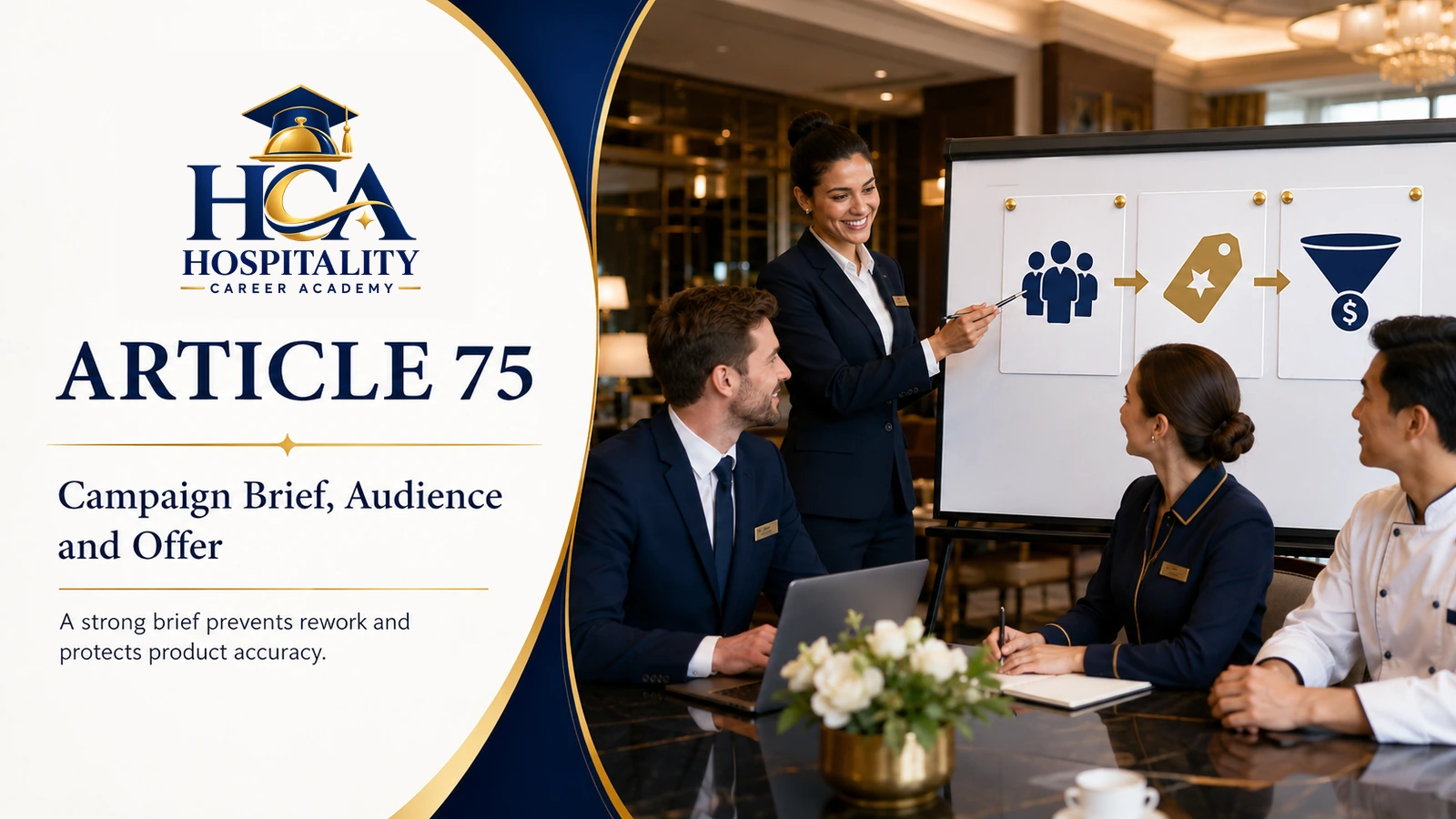
Step 5: Write the campaign brief
The brief is the control centre.
Include:
Business
- problem;
- objective;
- product;
- price and conditions;
- period;
- budget;
- owner.
Audience
- priority group;
- insight;
- need;
- hesitation;
- language;
- desired action.
Message
- core promise;
- proof;
- mandatory facts;
- prohibited or risky claims;
- call to action.
Delivery
- channels;
- formats;
- asset list;
- deadlines;
- approvals;
- landing page;
- tracking;
- monitoring;
- final review date.
A good brief reduces rework and prevents different suppliers or departments from inventing their own version of the campaign.
Step 6: Build the message structure
Use a simple sequence.
- Attention: show a relevant situation or benefit.
- Value: explain what the guest receives.
- Proof: give credible facts or visuals.
- Conditions: state what the guest needs to know.
- Action: provide one clear next step.
Example for a fictional weekday lunch campaign:
A complete business lunch without losing the afternoon. Choose two or three courses from the weekday menu, served from 12:30 to 3:30 pm, with validated parking. View the current menu and reserve your table.
The example is illustrative. The hotel must insert approved facts, price and terms.
Avoid empty claims such as “best”, “number one” or “unmissable” unless they are supportable and appropriate. Clarity usually sells hospitality better than exaggerated language.
Step 7: Plan the content set
One campaign may use several assets with different jobs.
| Asset | Purpose |
|---|---|
| Hero video or image | Introduce the main promise |
| Carousel | Explain inclusions, room, menu or steps |
| Story or short update | Reinforce timing, questions or availability |
| Guest-proof content | Reduce uncertainty, with permission |
| Destination or usefulness content | Support consideration |
| Reminder | Bring the deadline or booking window back into view |
| FAQ post | Answer repeated questions |
| Email or website module | Support owned-channel conversion |
| Internal briefing | Prepare staff to answer accurately |
Do not repeat the identical creative every day. Keep the promise consistent while changing the useful angle.
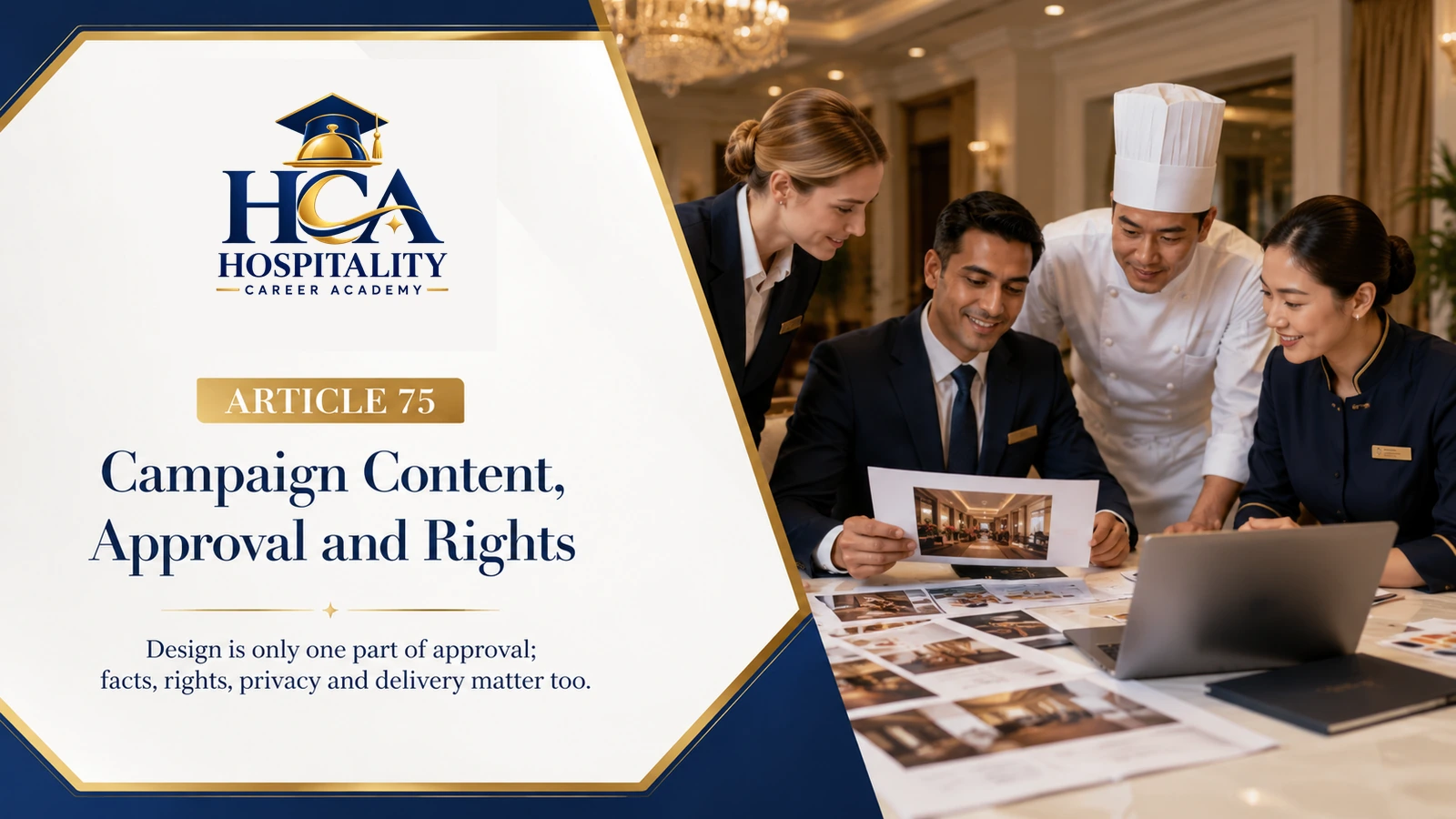
Step 8: Create, review and approve assets
The review should cover more than design.
Fact check
- dates;
- price;
- inclusions;
- room or menu;
- availability;
- link;
- contact;
- conditions.
Brand check
- logo;
- colour;
- typography;
- tone;
- photography;
- property identity.
Accessibility check
- readable text;
- contrast;
- captions for meaningful speech;
- alternatives for meaningful web images;
- understandable language;
- no essential information hidden only in colour or audio.
W3C guidance describes digital accessibility through perceivable, operable, understandable and robust content. Social platforms have different features, so check the current options and the linked landing page.
Rights and privacy check
- guest and employee permission;
- photographer and music rights;
- creator contract;
- child or protected-person safeguards;
- location and confidential-screen review;
- data collection route.
Commercial and legal check
- honest price and scarcity;
- consumer terms;
- disclosure;
- competition or promotion rules;
- local legal review where needed.
Record the person and date of approval. Verbal approval in a busy corridor is not a reliable control.
Step 9: Set tracking before launch
Use a clear naming convention.
Example:
- utm_source=instagram
- utm_medium=paid_social
- utm_campaign=2026_family_weekend_sep
- utm_content=video_room_family
Google Analytics documents custom campaign data and traffic-source dimensions. Use the hotel’s approved analytics setup and privacy controls.
Before launch:
- test every tagged link;
- confirm analytics receives the visit;
- verify the booking or enquiry action;
- record the final URLs;
- separate organic and paid versions;
- check referral or reservation codes;
- agree how offline actions will be captured.
Do not add tracking parameters randomly. Consistent naming makes reports usable.
Step 10: Decide budget and stop rules
A budget plan may include:
- production;
- translation;
- paid media;
- creator or partner fees;
- landing-page work;
- photography or video;
- contingency;
- internal time.
Do not use a fixed percentage copied from another business. Allocate resources according to the objective, available evidence and risk.
Agree stop or escalation rules:
- broken booking path;
- incorrect price;
- sold-out product;
- serious negative service issue;
- unexpectedly poor lead quality;
- abnormal cost;
- rights complaint;
- inappropriate comments or safety concern.
Pausing a campaign to protect the guest and brand is sometimes the correct decision.
Step 11: Launch in a controlled way
Use a launch checklist.
Before publishing
- product still available;
- team briefed;
- links tested;
- tracking checked;
- final files approved;
- response templates ready;
- duty owners named;
- paid settings reviewed;
- local time and language confirmed.
Immediately after publishing
- inspect the live crop and text;
- click the link on mobile;
- confirm campaign parameters;
- check comments and messages;
- verify paid delivery;
- correct display errors quickly.
During the campaign
- monitor spend and pacing;
- review audience quality;
- answer and escalate;
- record repeated questions;
- check product availability;
- inspect landing-page behaviour;
- document changes.
Step 12: Optimise without losing control
Optimisation should follow a hypothesis.
Example:
The current video receives qualified views but few landing-page clicks. Test a clearer opening line and earlier call to action while keeping the audience and offer unchanged.
Possible tests:
- first image;
- first three seconds;
- headline;
- benefit order;
- language version;
- call to action;
- landing-page opening;
- audience subset;
- format;
- organic versus paid support.
Avoid changing audience, offer, creative and landing page at the same time. If everything changes, learning becomes weak.
Do not optimise only for the cheapest platform action. A low-cost click that never becomes a qualified enquiry may be poor value.
Step 13: Manage comments and service issues
Prepare response categories.
Question
Answer with verified information and link to the official source.
Booking help
Move to an approved private route and avoid collecting sensitive information publicly.
Complaint
Acknowledge, protect privacy, record, assign and follow up.
False information
Correct calmly with verifiable facts; do not create an argument.
Abuse or spam
Apply the hotel’s moderation policy and preserve evidence where required.
Serious safety, discrimination, legal or media issue
Escalate immediately to the authorised team.
The campaign owner should communicate operational feedback. Repeated confusion may mean the campaign itself is unclear.
Step 14: Review the results
Report against the original objective.
Awareness campaign
Review:
- relevant reach;
- frequency;
- video completion;
- profile or search behaviour;
- audience quality.
Consideration campaign
Review:
- landing-page visits;
- engaged sessions;
- menu or room views;
- saves;
- meaningful shares;
- repeated questions.
Action campaign
Review:
- booking starts;
- completed reservations;
- qualified enquiries;
- cost per action;
- lead quality;
- cancellations;
- net value where reliable.
Service and control
Review:
- response time;
- case resolution;
- fact errors;
- broken links;
- approval delays;
- rights issues;
- operational readiness.
Add interpretation:
- What happened?
- Why may it have happened?
- What evidence supports the explanation?
- What should continue?
- What should change?
- What should stop?
- What should be tested next?
A report without a decision is only a record.
A 14-day sample launch timetable
| Day | Activity |
|---|---|
| 1 | Confirm business need, owner and offer |
| 2 | Define audience and conversion path |
| 3 | Write brief and measurement plan |
| 4 | Confirm product facts and operational capacity |
| 5–7 | Produce content and landing-page updates |
| 8 | Translation, accessibility, rights and fact review |
| 9 | Commercial and final approval |
| 10 | Tracking and end-to-end test |
| 11 | Internal briefing and schedule |
| 12 | Soft launch or controlled first release |
| 13 | Monitor, correct and confirm paid delivery |
| 14 | Initial quality review; continue planned campaign |
A larger campaign may need more time. The timetable is a training example, not a universal deadline.
Worked example: hotel restaurant lunch campaign
Business need
Increase weekday lunch demand without harming service quality.
Audience
Nearby professionals and small business groups needing a reliable lunch within a defined time.
Offer
A current fixed or flexible lunch menu with approved price, service period, parking information and reservation route.
Content
- hero video showing actual dishes and atmosphere;
- carousel explaining options and timing;
- chef or service-team story;
- FAQ on parking and dietary requests;
- reminder near the booking window.
Conversion
Current menu and table-reservation page.
Measurement
- qualified menu visits;
- reservation starts and completed bookings;
- campaign source;
- covers;
- average spend;
- service time;
- repeat bookings;
- guest comments.
Operational briefing
Host and reservation team know the campaign, terms, code, capacity and escalation route.
Worked example: family stay campaign
Business need
Support a shoulder-period weekend.
Audience
Families within a realistic travel radius.
Proof required
- actual room configuration;
- children’s facilities and age rules;
- meal inclusions;
- pool and recreation information;
- transport and parking;
- cancellation;
- honest seasonal conditions.
Risk
If the content implies guaranteed activities that depend on weather or availability, the campaign creates expectation risk. Use accurate conditions.
Worked example: recruitment campaign
Objective
Generate suitable applicants for an approved role.
Essentials
- correct job title;
- department and location;
- realistic duties;
- required skills;
- deadline;
- official application route;
- privacy information;
- no misleading employment promise.
Measure
Qualified applications, completion rate, source quality and hiring-team feedback—not reach alone.
Common mistakes
- beginning with “we need a reel” rather than a business outcome;
- promoting an offer before operations approve it;
- sending traffic to the homepage instead of a relevant path;
- hiding price or conditions;
- using an audience built on assumptions;
- launching without tracking;
- paying a creator without rights and disclosure controls;
- collecting guest data through personal accounts;
- changing everything during optimisation;
- judging success by likes;
- ignoring cancellation, lead quality or service pressure;
- leaving old campaign content live after expiry;
- writing a report with no action.
Frequently asked question
How much budget does a first hotel social media campaign need?
There is no universal amount. The budget should match the objective, audience, production needs, evidence and expected value. A small controlled test with accurate content and a working booking path is usually more useful than a large spend built on weak assumptions.
Final takeaway
A successful first campaign is not the one with the most content. It is the one that connects a real hotel need to a suitable audience, honest offer, clear message, working conversion path, approved assets, controlled launch and useful measurement.
Use the HCA campaign planner to record the objective, audience, facts, owners, content, budget, tracking, results and next decision. That discipline turns a social idea into a hospitality campaign the business can trust.
Bilingual launch planner for objective, offer, audience, message, assets, owners, approvals, UTM tracking, monitoring, results and next decision.
Related HCA guides
- hotel social media marketing strategy
- hospitality target market
- hospitality branding
- hotel social media specialist role
- hotel e-commerce strategy
Update references
- Your First Social Media Campaign — Hospitality Career Academy
- URL builders: Collect campaign data with custom URLs — Google Analytics Help
- Traffic-source dimensions, manual tagging, and auto-tagging — Google Analytics Help
- Accessibility Principles — W3C Web Accessibility Initiative
- Disclosures 101 for Social Media Influencers — U.S. Federal Trade Commission
- Meta Business Help Center — Meta
- Hotel Social Media Marketing: A Practical 90-Day Plan — Hospitality Career Academy
Frequently asked question
How much budget does a first hotel social media campaign need?
There is no universal amount. The budget should match the objective, audience, production needs, evidence and expected value. A controlled test is more useful than a large spend built on weak assumptions.